






Customize your reports to replicate the reporting system you already use, making it easier for your employees to get up to speed. You can also match the terminology used by your organization.
Servicing up to 10,000 users per group across a wide range of industries worldwide, including home health care, construction, accounting, law, pharmaceutical companies, consultancies and other professional services.
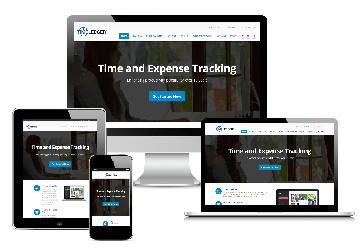
Time and expense entries can be entered directly on virtually any mobile platform or device.
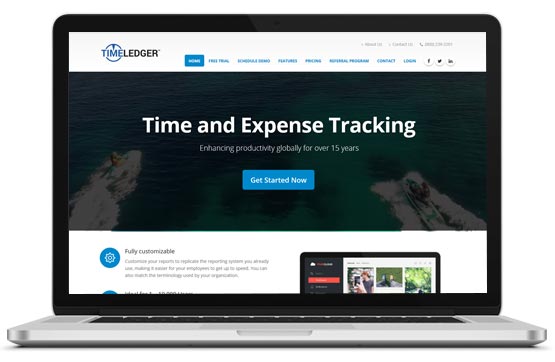
You can work anywhere in the world – on or offline – on any computer or mobile device. When you are back online, TimeLedger automatically syncs your data.
Each user can select from 40 different languages – either on a regular browser or on our mobile apps. TimeLedger’s mobile versions have native language translations including – Chinese, Japanese, French and German. Add any new language for US$400.
Streamline your timesheet and expense management process with features designed to make the review and approval process simple and efficient.
Set up unlimited email and SMS alerts with Budget Hawk™ and keep a close watch on project labor and expense budgets.
Your data is stored and transferred securely with SSL encryption and our servers are backed-up continuously – ensuring that you can access your data any time.
You can quickly setup TimeLedger for 1 to 10,000 people. Employees and contractors can be grouped and assigned to different managers for timesheet and expense approval.
Our company has been using TimeLedger for years. The website is user-friendly and very reliable. It is so intuitive that very little training is required when new staff come onboard. Whenever we have a question or a service request, it is handled promptly. I have reviewed several competitors’ products but repeatedly choose to stick with TimeLedger.
Try our free trial and see if our product is right for your business. No credit card, no hassle!